Clearing Ticket Cache
There is currently a known issue with the title Halo 2, where users cannot see the Message of the Day and see an error when trying to join a match.
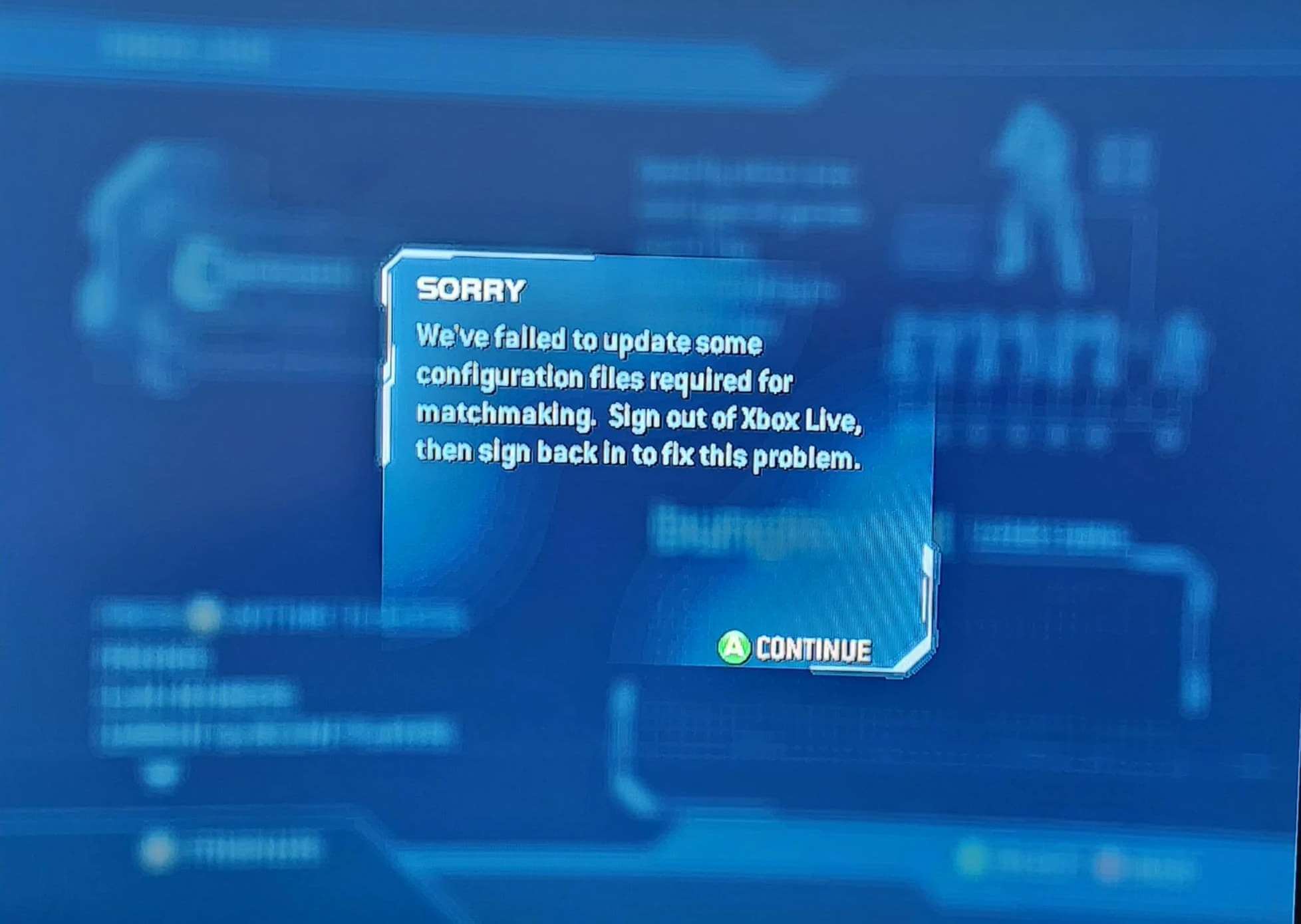
This issue is unfortunately only fixable by clearing the console's ticket cache. This is not related to the X/Y/Z partitions present on a console, but instead the folder E:/CACHE/.
Modded console users you should either run the Insignia Assistant or directly delete the contents of the folder E:/CACHE/.
Stock console users should follow the steps they took to run the assistant (see the connection guide if unsure), and then press the "Empty Ticket Cache" option in the Insignia Assistant.
The Insignia Team apologises for the inconvenience caused by this issue.
Xbox and Xbox Live are registered trademarks of Microsoft Corporation.
Insignia is neither endorsed by nor affiliated with Microsoft.
Insignia is neither endorsed by nor affiliated with Microsoft.